All Components
Accessible, composable, modern and easy to style UI components.
AI Tip - Want to skip the docs? Use the MCP Server
Here's a list of all the components available in the library.
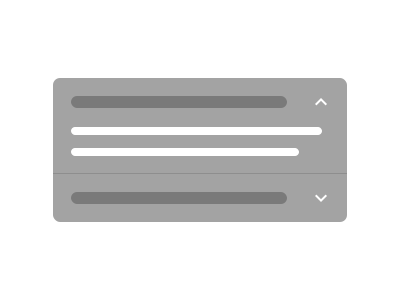
Accordion
A set of vertically stacked collapsible panels with headings.

Alert
Displays a callout message to attract user attention.

Alert Dialog
A modal dialog that interrupts the user for a critical confirmation.

Aspect Ratio
Maintains a consistent width-to-height ratio for content.

Avatar
An image element with a fallback for representing the user.

Badge
A small label for status, category, or metadata display.
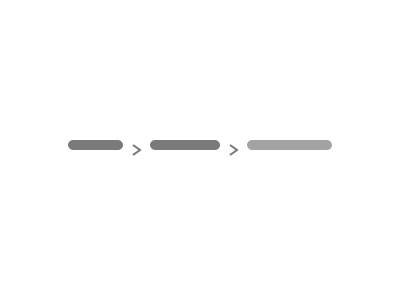
Breadcrumb
Displays a hierarchical navigation trail showing the user's current location.
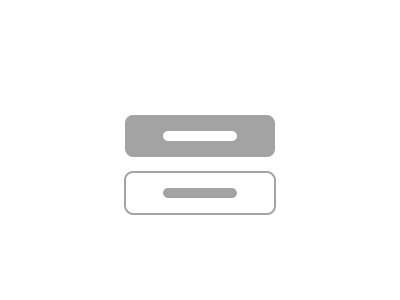
Button
A clickable element with multiple variants and sizes for triggering actions.
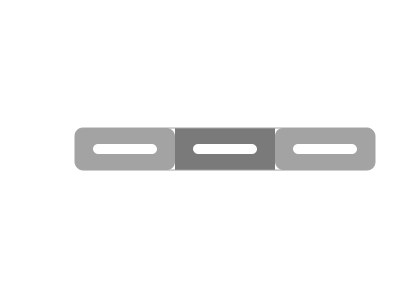
Button Group
Groups related buttons together with shared styling and spacing.

Calendar
A date picker calendar for selecting single or multiple dates.

Card
A container for grouping related content and actions within a bordered surface.

Carousel
A scrollable set of slides for cycling through content.

Chart
Themed chart components built on Recharts with consistent styling.
Checkbox
A control that allows the user to toggle between checked and unchecked.
Collapsible
A component that expands and collapses a panel of content.
Combobox
An autocomplete input with a filterable dropdown list of options.

Context Menu
A menu triggered by right-clicking or long-pressing an element.

Dialog
A modal window that overlays the page for focused interactions.
Direction
A provider for setting the text direction (LTR/RTL) of children.

Drawer
A panel that slides in from the edge of the screen.
Dropdown Menu
A menu of actions triggered by a button, with keyboard navigation.

Empty
A placeholder for empty states with icon, title, and description.

Field
A wrapper that connects a label, input, and validation message.

Hover Card
A card that appears on hover for previewing linked content.

Input
A styled text input field for collecting user input.
Input Group
Groups an input with prefix/suffix addons or icons.
Input OTP
A one-time password input with individual character slots.
Item
A versatile list item with icon, text, and description layout.
Kbd
Displays a keyboard shortcut or key combination.

Label
An accessible label for form controls.
Menubar
A horizontal menu bar with dropdown menus, like a desktop app.

Native Select
A styled wrapper around the native HTML select element.

Navigation Menu
A responsive navigation menu with links and dropdown panels.
Pagination
Navigation controls for paging through multi-page content.

Popover
A floating panel anchored to a trigger element.
Progress
A horizontal bar indicating task completion progress.
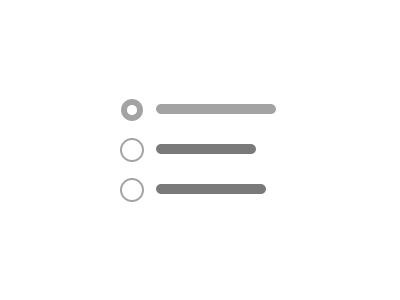
Radio Group
A set of mutually exclusive options where only one can be selected.
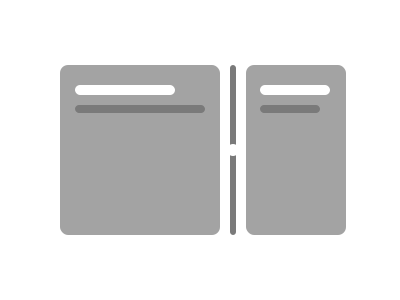
Resizable
Draggable panels that can be resized by the user.

Scroll Area
A scrollable container with custom styled scrollbars.
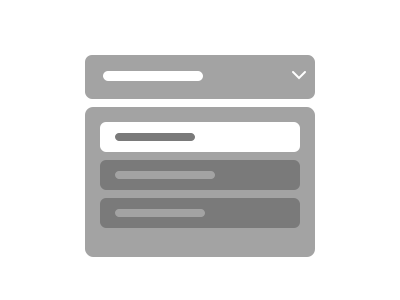
Select
A dropdown for picking a single value from a list of options.

Separator
A visual divider between content sections, horizontal or vertical.
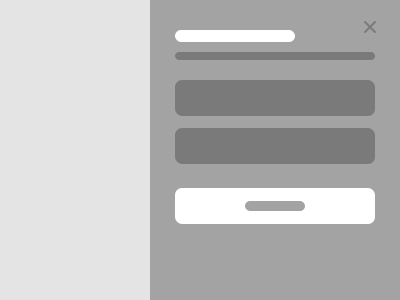
Sheet
A panel that slides in from the edge of the viewport.

Skeleton
A placeholder animation shown while content is loading.
Slider
A draggable control for selecting a numeric value within a range.
Sonner
Toast notifications powered by the Sonner library.

Spinner
An animated loading indicator.
Switch
A toggle control for switching between on and off states.
Table
A structured data display with rows, columns, and optional captions.
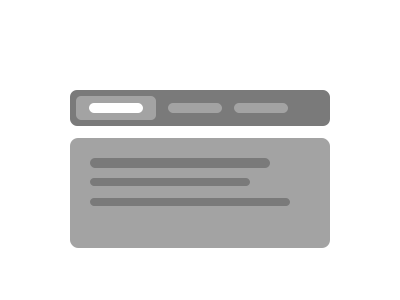
Tabs
Organizes content into switchable panels with tab navigation.

Textarea
A multi-line text input for longer form content.
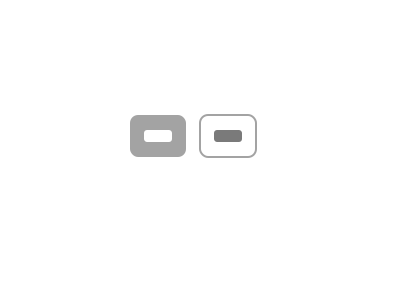
Toggle
A two-state button that can be toggled on or off.
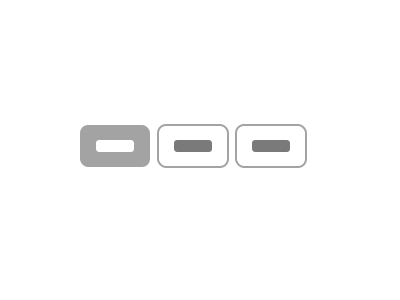
Toggle Group
A set of toggle buttons where one or multiple can be active.
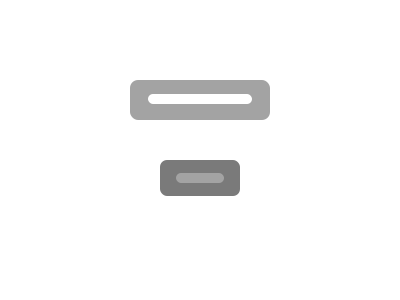
Tooltip
A small popup that displays additional information on hover.
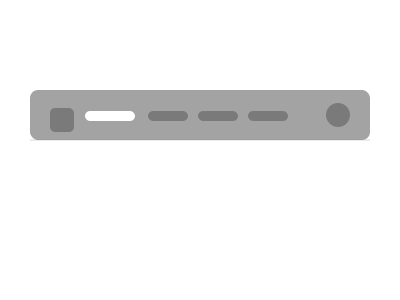
Site Header
A sticky, full-width header with responsive navigation, logo, and actions.